
Several companies, one warehouse, separate stock and invoices.
Run more than one company from the same shelves. Each company has its own stock and invoices, stock moves between them on record, and rules say which company invoices which order.
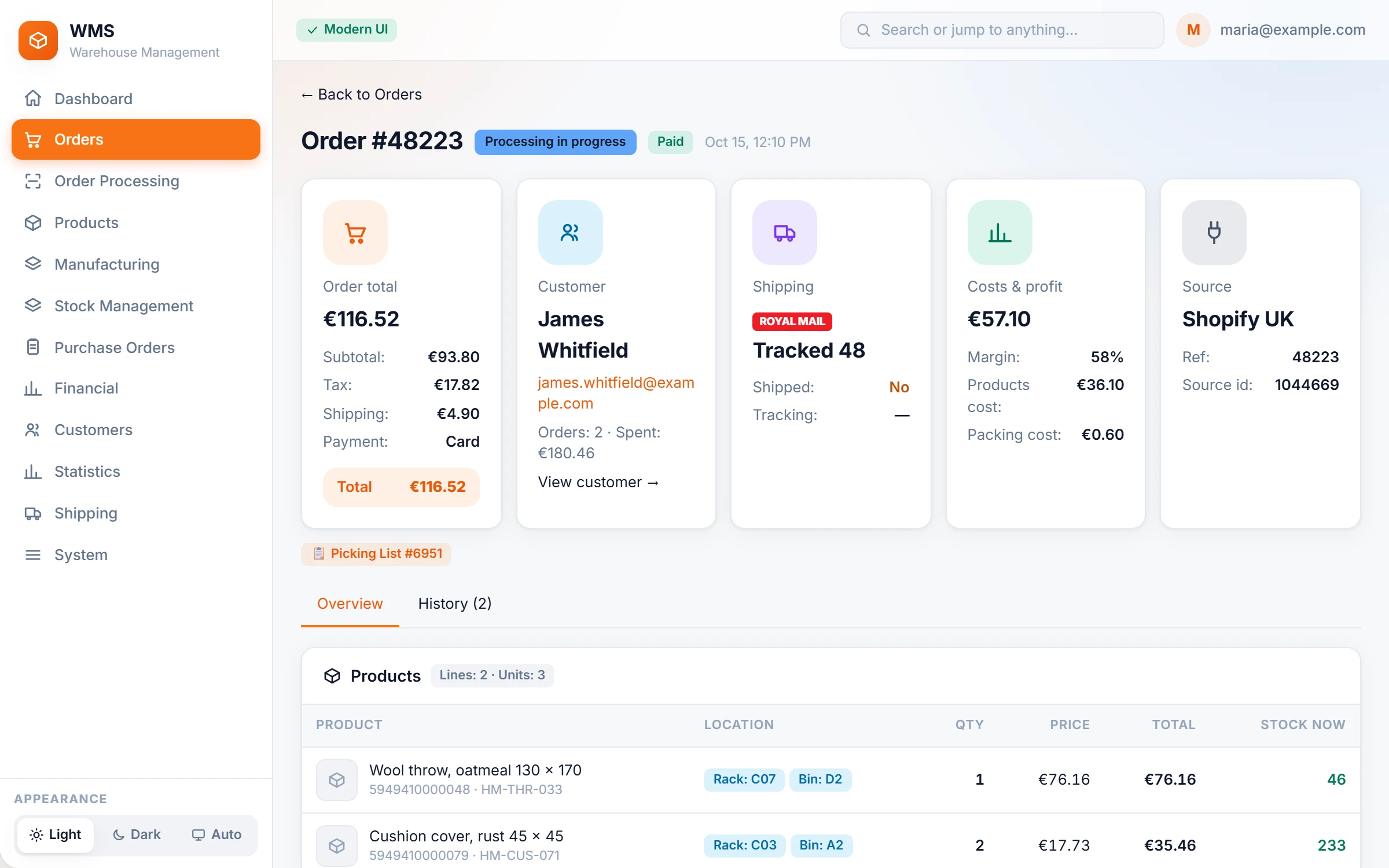
Two companies, one warehouse, and nobody knows whose stock it is.
Goods for two companies share the shelves. Stock is moved between them on paper, and invoices go out from the wrong company because nobody can see which one owns the stock, and the accountant finds it weeks later.
How it works in Pulsa
Your companies, set up once
No more correcting company details by hand. Each legal entity keeps its registration and address details, used on its own invoices and shipping papers.
Stock per company
No more guessing whose goods are on the shelf. Each product shows the physical and virtual stock that each company holds.
Move stock without paper
Move a quantity from one company's stock to another's in the system instead of on a sheet of paper. The move is written into the stock movements with both companies.
The right company invoices
No more invoices from the wrong company. Invoicing rules decide which company invoices an order, and an order's stock can be moved to the invoicing company.
Invoice numbers per series
No numbering kept by hand. Invoice series with their own prefix and numbering, used by the sales channels you choose.
Everything multi-company does, order by order.
Running more than one company under one roof usually means paper transfers and invoices from the wrong company. Pulsa shows whose stock it is, who invoices, and keeps the numbers apart.
Every order knows its company
When nobody can see which company should invoice an order, mistakes reach the customer. Each order carries its invoicing company, and missing stock can be borrowed from the other company right there.
- The right companyChoose which company invoices the order; Pulsa suggests the one set for that sales channel, so most orders need no thought.
- Stock from another companyMove a line's stock from one company to another straight from the order, without leaving it or writing a note.
- Who invoices whatInvoicing rules decide which company invoices an order, and an order's stock can be moved to the invoicing company, so the stock and the invoice match.
- Internal ordersMark a sample, a replacement or stock parked under a customer as internal: it leaves the profit and sales figures, so they stay honest, and nothing else changes.
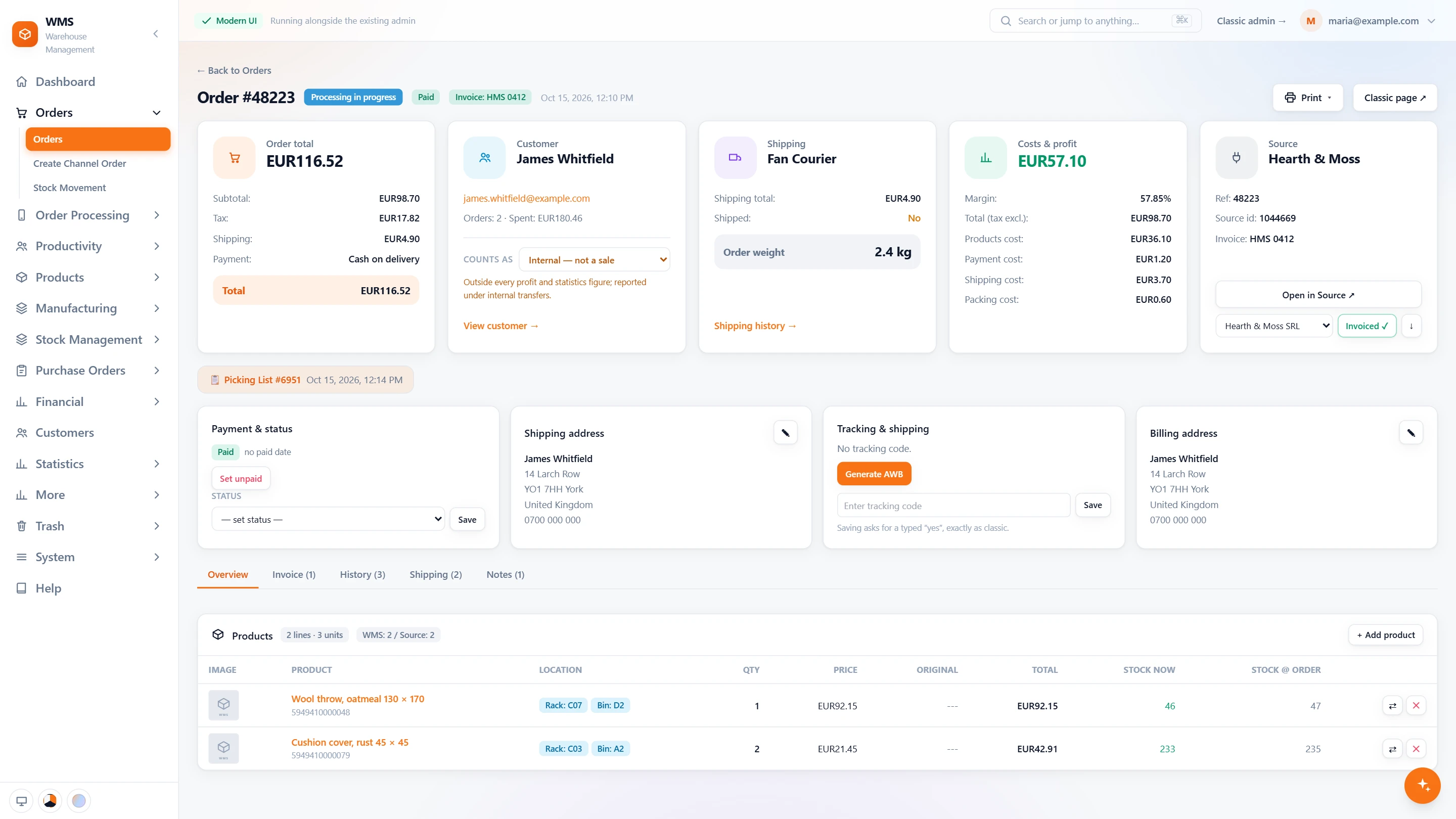
Invoice numbers per series
Keeping invoice numbers straight by hand across shops and companies is error-prone. Each series numbers itself, tied to the sales channels that use it, and nothing issued is ever lost.
- One series per needEach series has its own prefix and numbering, such as one for the webshop and one for trade customers, so they never get mixed up.
- Tied to the sales channelsChoose which sales channels use a series; a channel with one series is numbered without a question.
- The next number in sightEvery series shows the number it will issue next and how many it has issued, so there is no need to look it up.
- Retired, never lostA series that has issued numbers keeps its prefix and can be switched off, never deleted, so old invoices stay traceable.
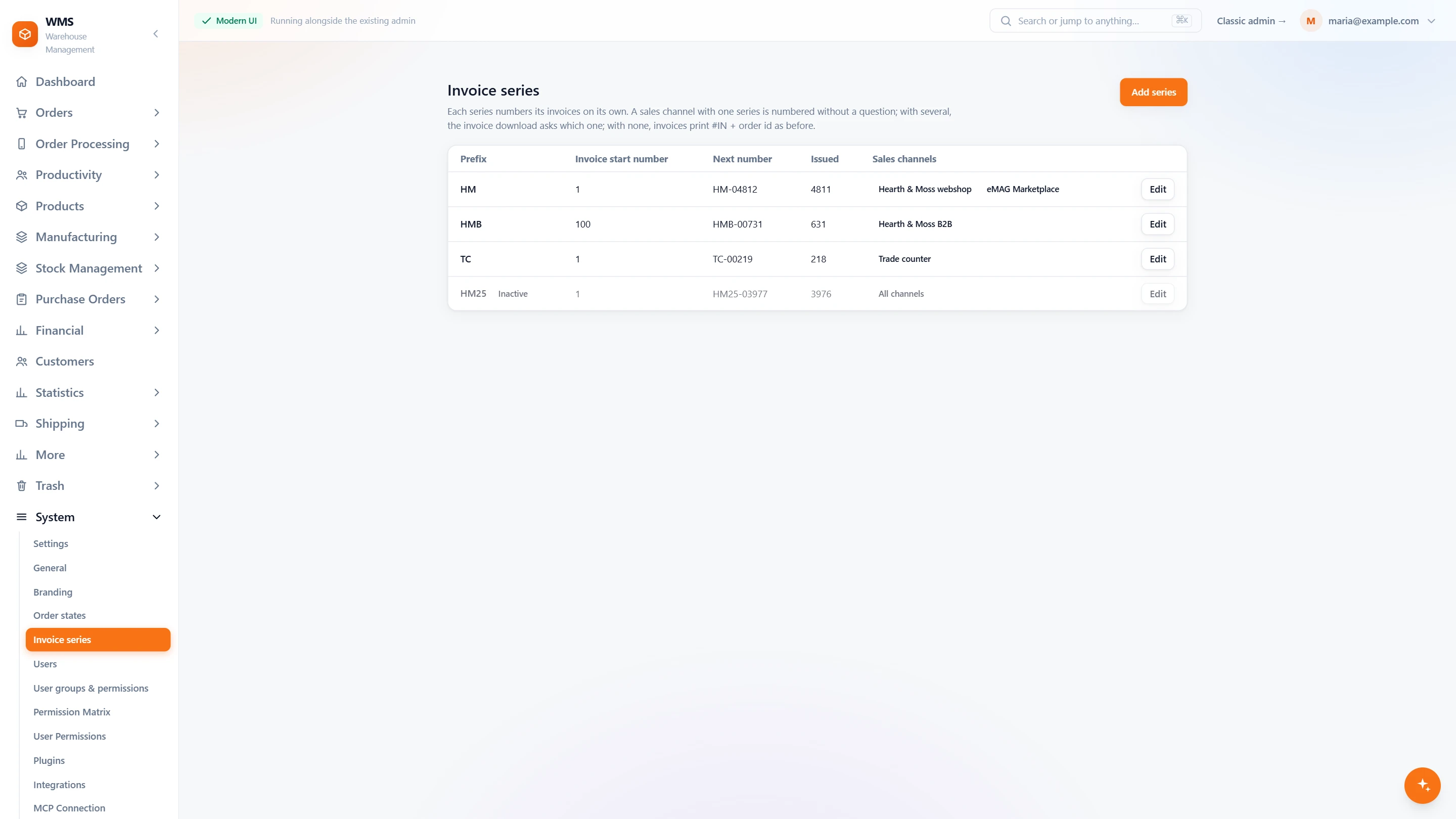
Stock and books kept apart
Shared shelves make it easy to lose track of which company owns what. Each company's stock is counted on its own, transfers are recorded, and your own internal sales do not distort profit.
- Your companiesEach legal entity with its registration and address details, used on its invoices and shipping papers, so nobody retypes them.
- Stock per companyEach product shows the physical and virtual stock that each company holds, so ownership is never a guess.
- Move stock between companiesMove a quantity from one company's stock to another's, without paper. The move is written into the stock movements with both companies.
- One warehouse teamPickers and packers work one floor; the companies are separated in the system, not on the shelves.
- Every transfer on recordMoves between companies are in the stock history, with who made them, so questions get answered quickly.
- Profit without your own ordersMark the accounts that are your own, so stock you pass to yourself never reads as a loss.
What you gain
Clean books per company
Stock and invoices stay with the company they belong to, so month-end has nothing to untangle.
One warehouse team
Pickers and packers work one floor without sorting goods by owner; the companies are separated in the system, not on the shelves.
Every transfer on record
No arguing about who moved what: moves between companies are in the stock history, with who made them.
Connected to the shops, marketplaces and couriers you already use.


Questions
Does each company need its own warehouse system?
No. One Pulsa holds all your companies, each with its own stock, so nothing is kept twice.
Can production belong to one company?
Yes. Every manufacturing order says which company it belongs to.
Do invoices show the right company's details?
Yes. Each company's registration and address are used on its own invoices and shipping papers, without anyone retyping them.
Related features
All featuresSee it with your own orders.
In the demo we connect your channels and walk you through this part of Pulsa on the real screens.