
Ask your warehouse a question.
A colleague in a chat window that answers from your own data: stock, sales, profit, customers and purchasing. It can draft work for you, and nothing happens until you approve it.
Every question means a report and a spreadsheet.
"Will this product last until spring?" or "what does this customer buy most?" takes an hour of filtering and adding up, so most questions are never asked and decisions are made on a hunch.
How it works in Pulsa
Ask in your own words
No menus to learn and no filters to set. Ask about stock and products, whether stock will last counting what is on order, what you pay a supplier, orders and sales, customers, profit, purchasing and manufacturing, and who picks best.
Answers you can check
A quick answer is only useful if you can trust it. Every answer says which dates it covers and what it left out, and a figure it cannot back with a lookup is marked Not verified.
Ask about Pulsa itself
No hunting through menus or waiting for help. "Where do I change the label format?" It searches the guide built from your own installation and answers with the page to open.
Drafts for you to approve
Less typing, no surprises. It drafts purchase orders, sales orders, parts and recipes, and can switch products on or off in the shop. Each draft is a card; nothing is created until you press Approve.
Spreadsheets, photos and a morning briefing
Ask for an Excel file instead of building one, attach a photo or a delivery note instead of retyping it, and start the day with a briefing: out of stock, low stock, unshipped orders and overdue purchase orders.
Everything the AI assistant does, question by question.
Getting a straight answer from your own data usually costs an hour. The assistant in Pulsa opens beside any screen, answers from your own data, and drafts the work for you to approve.
Ask, check, draft
Switching between screens to collect figures, then typing an order by hand, wastes the morning. Here you ask beside the page you are on, see what was checked, and get the order drafted for your approval.
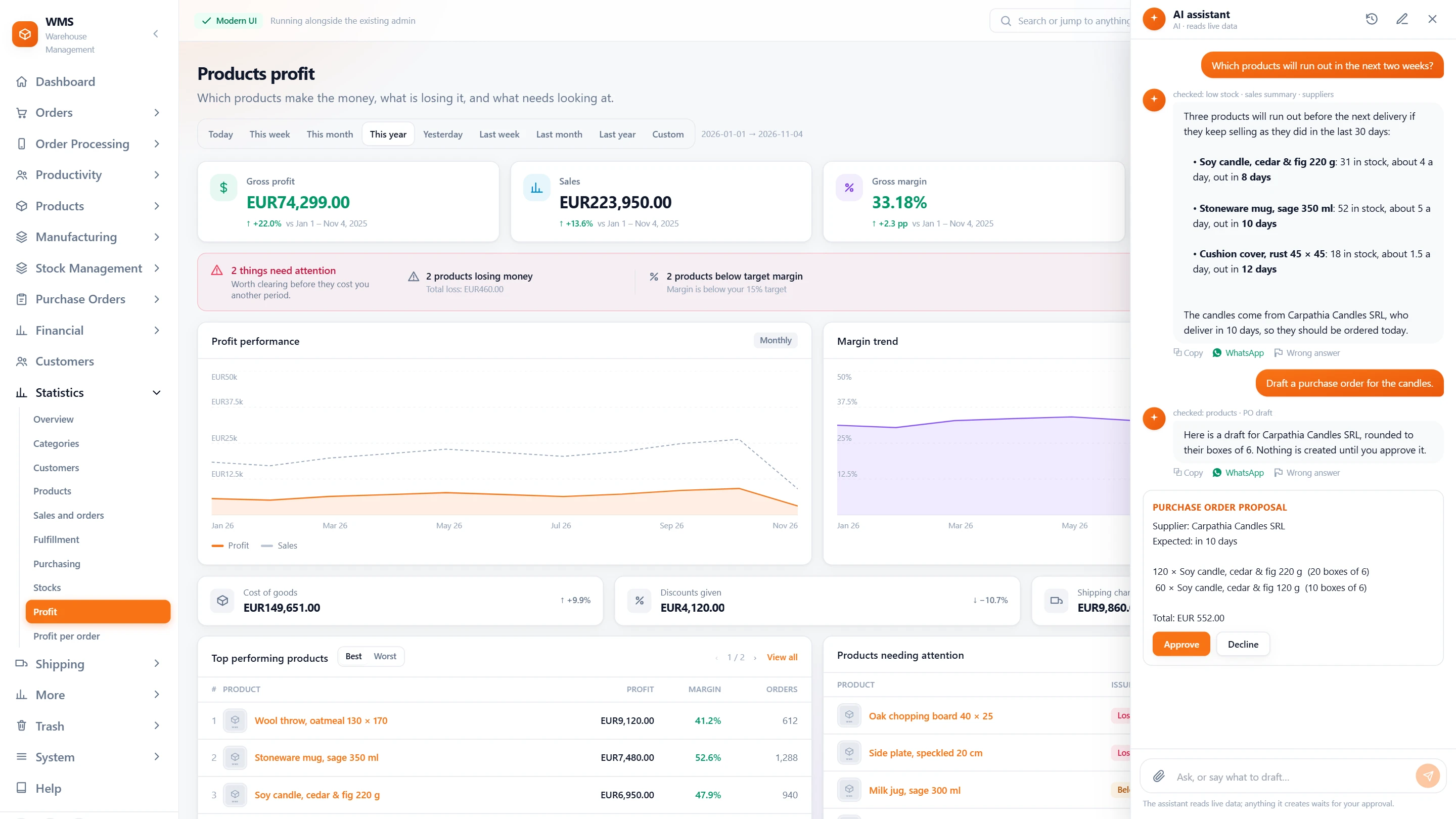
- Beside every screenOpen it from any page of Pulsa and keep working next to it, without losing your place.
- It shows what it checkedAbove each answer: which lookups it made, and which ones came back with nothing, so you are never left guessing where a figure came from.
- Answers from live dataStock, sales, suppliers and orders as they are now, in plain words, not last week's export.
- A draft, not a decisionA purchase order or a sales order arrives as a proposal card, already filled in; nothing is created until you press Approve.
- Share the answerCopy it, or send it on WhatsApp in one tap, instead of retyping it for a colleague.
- Mark a wrong answerOne click reports an answer as wrong, so it can be looked at instead of quietly repeated.
Starting a conversation
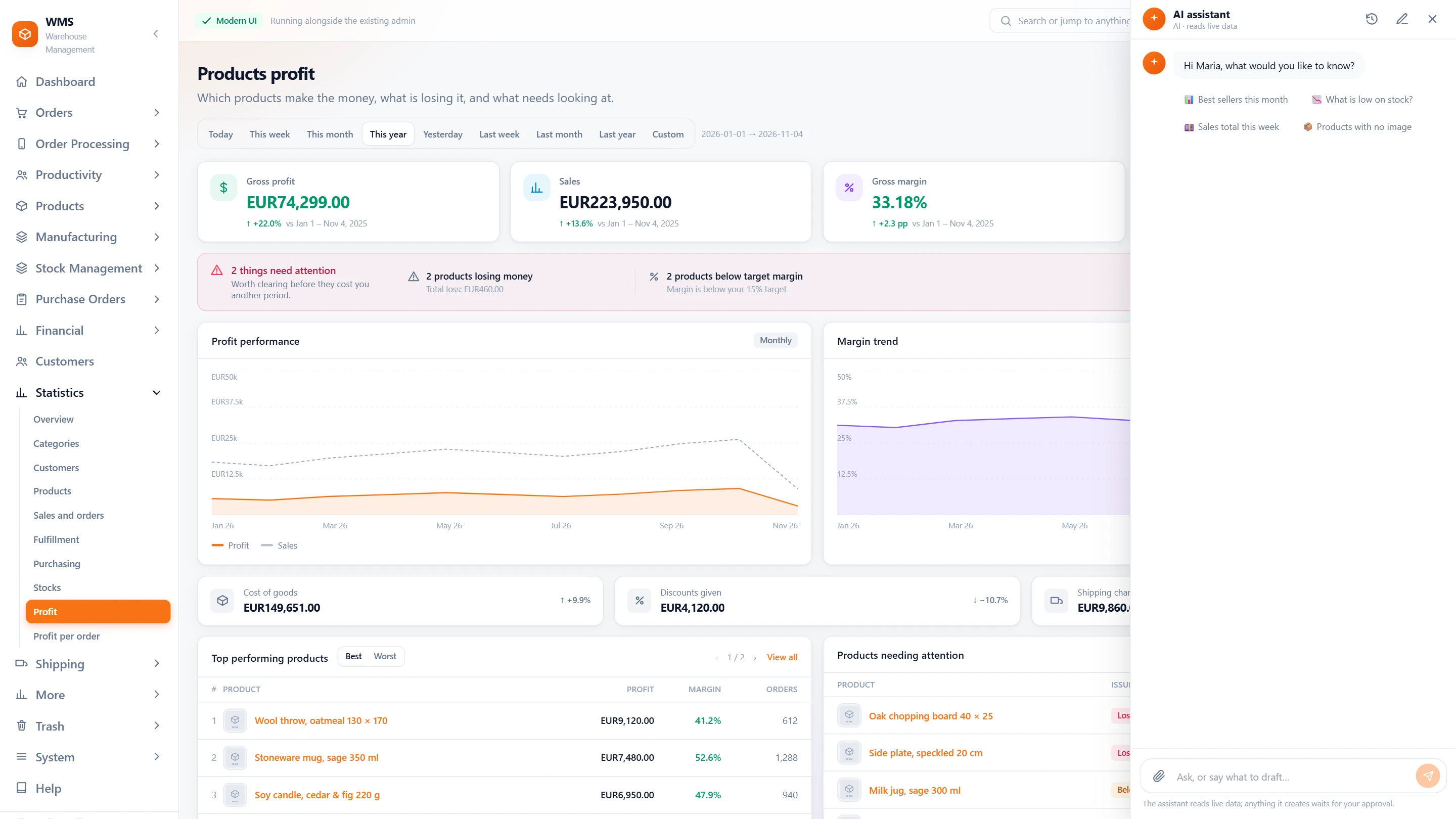
A blank box can leave you wondering what to ask. Suggested questions, your own language, attachments and a kept history make the first question easy and the next one quicker.
- Suggested questionsBest sellers this month, what is low on stock, this week's sales: one tap to ask, nothing to type.
- In your languageIt answers in the language your Pulsa screens are in, so nobody has to translate.
- Attach a photo or a PDFA delivery note, a label or a screenshot, read along with your question, so you do not copy it out by hand.
- Every conversation keptGo back to an earlier conversation from the history instead of asking all over again, or start a new one.
Safe by design
Handing work to an assistant is only a relief if it cannot break anything. It proposes and you decide, it knows its way around Pulsa, and its costs are always on record.
- It proposes, you decideIt never changes stock or order statuses and never deletes anything, so a mistaken question cannot undo the team's work.
- Ask about Pulsa itself"Where do I change the label format?" It searches the guide built from your own installation and answers with the page to open.
- A daily briefingWhen switched on: out of stock, low stock, unshipped orders and overdue purchase orders, waiting when you open it, so the day starts with what matters.
- Costs in viewEvery answer is written to a usage ledger, with its cost per day and month, so there is no surprise at the end of it.
What you gain
Answers in seconds
Questions that used to take a report and a spreadsheet now take one sentence.
Safe by design
Nothing to fear from a wrong question: it never changes stock or order statuses and never deletes anything.
Costs in view
No surprise bill: every answer is written to a usage ledger, with its cost per day and month.
Questions
Can it change our stock?
No. It can only propose; stock, order statuses and deletions are never in its reach, so your figures stay exactly as your team left them.
Who sees the conversations?
Each person sees their own. Passwords, keys and other secrets are never read or shown.
Can we talk to it by voice or on WhatsApp?
Voice questions can be switched on, and answers can be shared to WhatsApp; with a WhatsApp Business account it can be asked there too, away from the desk.
Is it switched on by default?
No. It is a plugin you switch on, with only the features you want.
Guides
Related features
All featuresSee it with your own orders.
In the demo we connect your channels and walk you through this part of Pulsa on the real screens.